
1 / 3
VideoOn this page
Jigsaw Explorer puts loose pieces around a large workspace and lets you assemble a photograph by dragging them into place. In our test of the Table Harvest puzzle, the scattered pieces showed the colors and textures of produce, flowers and a basket. The immediate task was to bring a chosen piece into the middle and decide where its image detail belonged.
Pieces and the reference photo
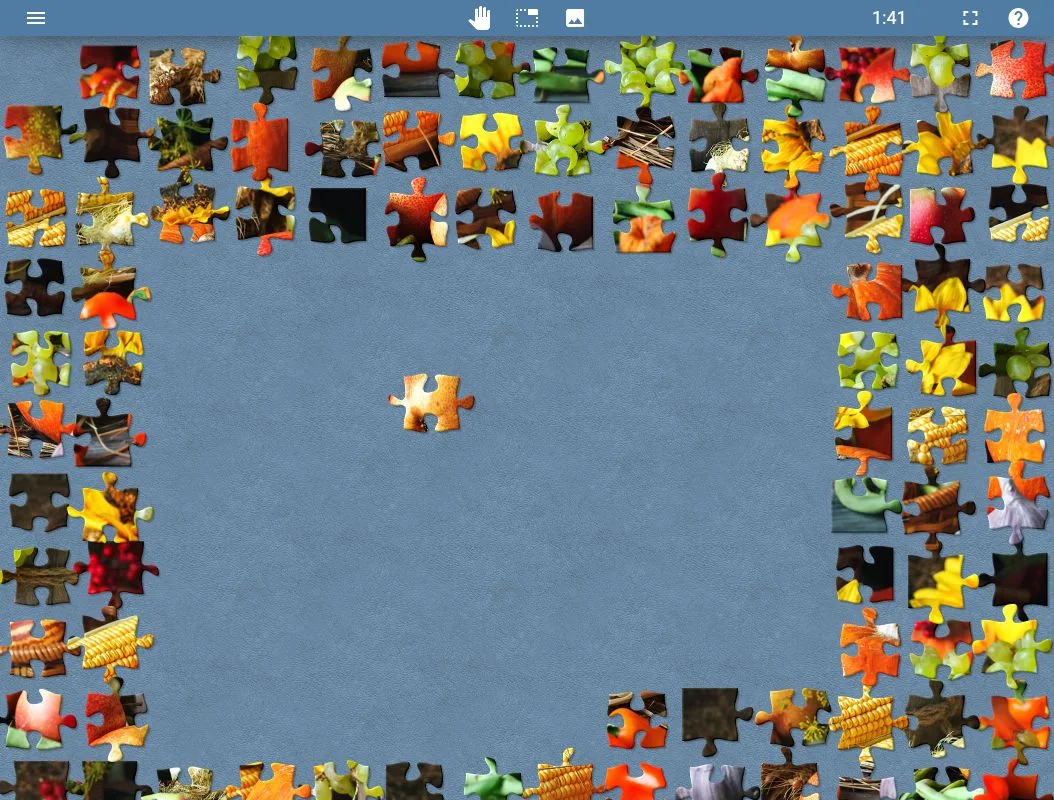
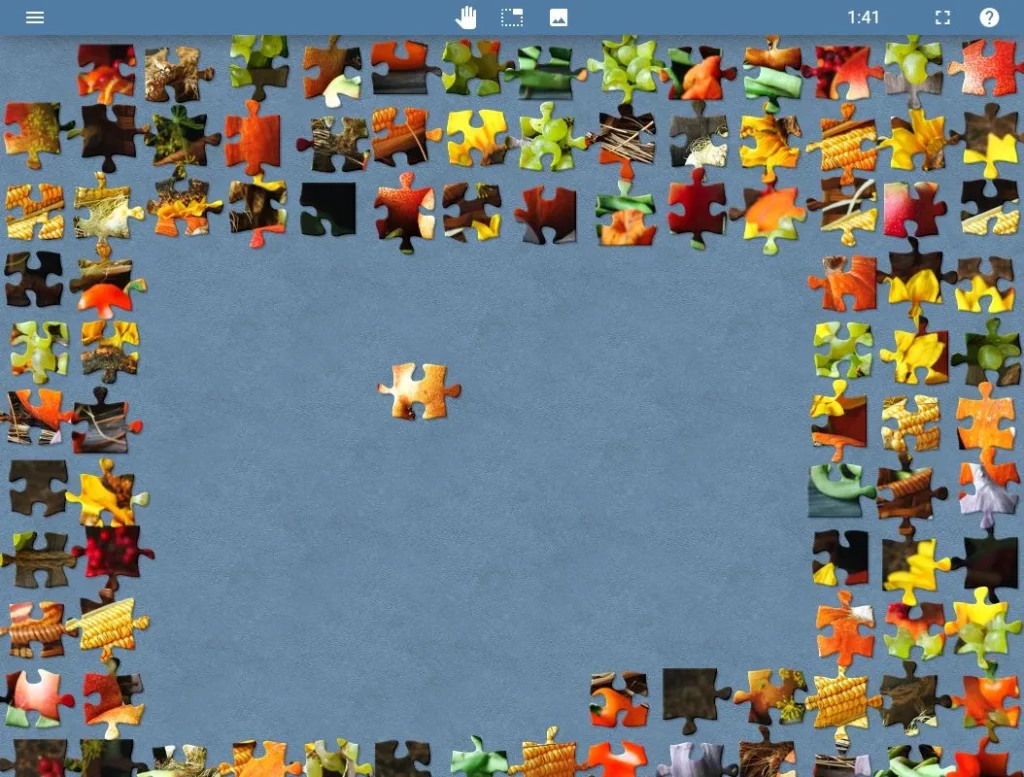
We dragged a loose piece from the upper-left area into the open center. It remained there after release, giving us a separate working area away from the surrounding pieces. This tested ordinary placement; it did not establish a correct join or complete the picture.
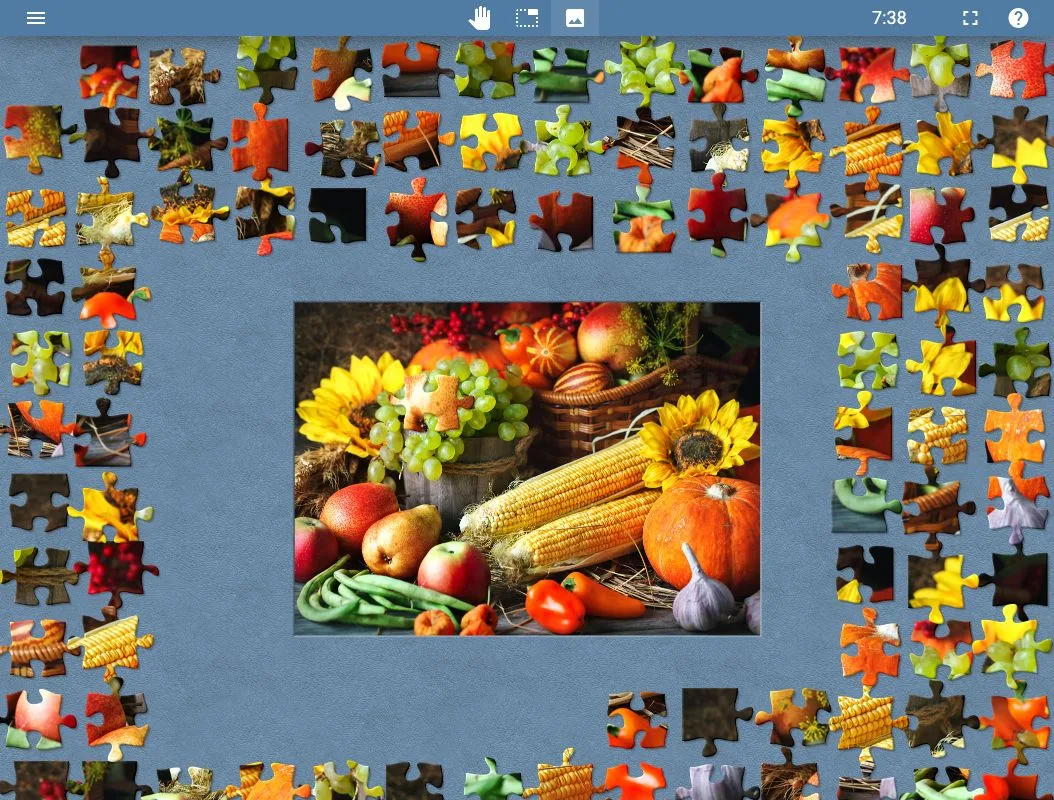
A toolbar control displayed the full reference photograph over the central workspace. The loose pieces stayed visible around it. Switching attention between the photograph and individual fragments helps identify an image region before trying a fit. Our two gallery images show these different states: a moved piece and the reference view.
The toolbar also exposed a hand tool, selection control, timer, fullscreen and help. We inspected these controls on desktop rather than assuming that every tool or touch gesture worked the same way on a phone.
Changing a puzzle can discard progress
The menu's Modify this puzzle panel offered configuration controls, including piece count. Selecting the piece-count control produced a warning that changing it would lose the current progress. We canceled that change and kept the board. Choose the intended size early if you want to avoid restarting work later.
The same panel showed other configuration icons, but we did not carry out a rotation or multiplayer test. Their presence is not evidence that those modes were completed successfully. Likewise, the visible timer includes time spent inspecting the interface; it is not a completion-time measurement.
More than a daily picture
The main site offers featured and mystery puzzles, categories, custom puzzles and multiplayer entry points. Our hands-on check covered the standard single-player browser puzzle and its reference and modification controls. It did not cover creating an uploaded-photo puzzle or joining another player.
For a first attempt, the reference photo gives useful context for the fragments, while the open middle gives room to compare them. That advice follows the workspace we used; a complete solve and the behavior of joined groups remain outside this test.
FAQ about Jigsaw Explorer
Can I see the full photograph while solving?
Yes. In the tested player, the toolbar reference-photo control displayed the full picture over the workspace while loose pieces remained around it.
Will changing the piece count keep my progress?
The player warned that changing the piece count would discard current progress. We canceled the change rather than resetting the puzzle.
Does Jigsaw Explorer offer custom or multiplayer puzzles?
The main site provides custom-puzzle and multiplayer entry points. This review tested a standard single-player puzzle, not those separate flows.
Player reviews
0 reviewsPlayed it? Share what you think and help the next player choose.
Your experience
Games like Jigsaw Explorer
All shapes & patterns games →
Marked
MemoryRemember briefly flashed target positions and replace them on a blank board, with distance feedback and more marks in each daily round.

Cutle
Shapes & PatternsCut a daily shape into two equal areas with one straight drag. Cutle records your first score, offers past shapes, and counts 48:52 or better as a win.

Geocrumble
GeographyRecognize three countries from separated map fragments. Wrong guesses join pieces and reveal more coastline, while continent feedback helps narrow the search and the score drops.

Flipside
Shapes & PatternsFlip two-coloured paper into an all-white target shape, plan the order of neighbouring folds, and solve three daily sheets in as few moves as possible.

Loopy
Shapes & PatternsDraw a closed loop while reducing Loopy’s numbered clues to zero through nearby bends.

Draw a single river loop through every open square, working around walls and blocked spaces. Learn the controls in the tutorial or try the daily board.