
1 / 2
On this page
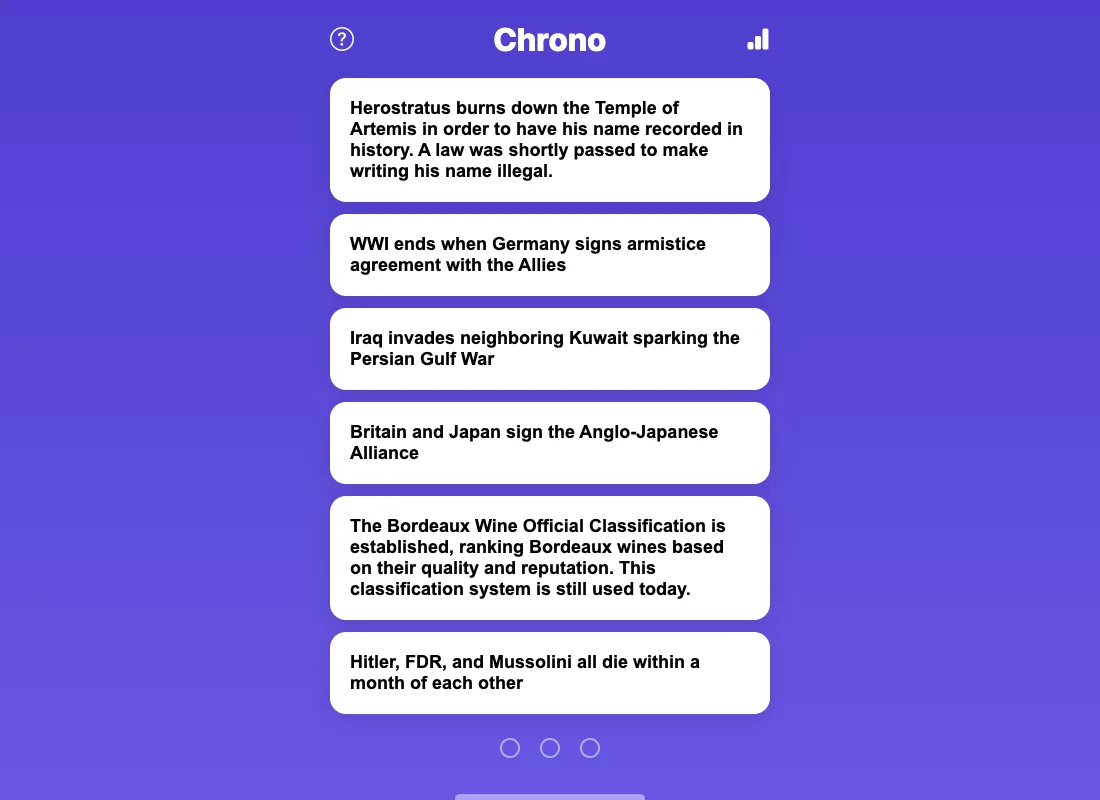
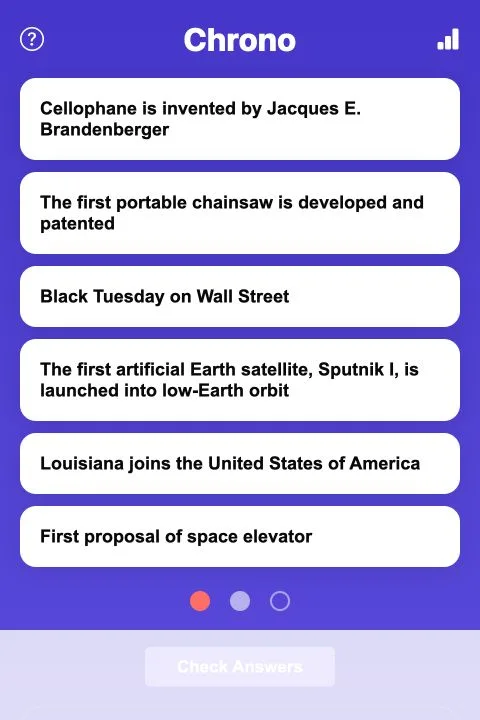
Chrono gives you 6 historical events to arrange from earliest to latest. The event descriptions are draggable cards, so the answer is a whole timeline rather than a typed year or a single trivia selection.
Reorder the cards before checking
In our daily round, we moved one event to a different position and pressed Check Answers. The first attempt marker turned red, while the other markers remained available. The game had accepted and judged the submitted order; we did not complete a correct timeline.
The screenshot shows the failed ordering without dates or a solution. Our test establishes dragging and submission feedback, but not the full behavior of a winning board. We also avoided using the later video search or historical lookups to finish the daily challenge.
Before submitting, compare adjacent cards. If you know one event must predate another, preserve that relationship while deciding where the less familiar events belong. This is an editorial approach to sorting, not a tested guarantee of finishing within the available attempts.
Daily selection is not a single theme
The official FAQ says each daily set is randomly selected from hundreds of events. Close dates can make a particular selection harder. Knowing the general era of several cards may therefore leave the crucial ordering unresolved.
Our session also opened the separate Practice page. It presented a two-event comparison, and an incorrect check produced “Oops, not quite right” with Try again. That was a different interaction from the six-card daily board. We did not assume that its controls or retry behavior explained every part of daily play.
Different boards can be a browser-state issue
The FAQ addresses friends seeing different events: stale browser data and in-app browser caching can affect what appears. If two people are trying to compare a daily result, first check that both are actually looking at the intended current board.
It also describes clearing game history as a way to address stored-data problems. That removes local game data, so it is a troubleshooting step with a consequence, not part of ordinary solving. We did not clear storage during our test or verify cross-device synchronization.
FAQ about Chrono
Why might a friend see different events?
The official FAQ points to stale browser data and in-app browser caching. Check that both browsers have loaded the intended current board.
Are the daily events chosen from one historical subject?
The FAQ describes six events randomly selected from a pool of hundreds. It notes that close dates can affect difficulty.
Does Clear Game History preserve my local results?
No. The FAQ describes it as removing local game data. We did not use it during testing.
Player reviews
0 reviewsPlayed it? Share what you think and help the next player choose.
Your experience
Games like Chrono
All history games →
Chronophoto
HistoryEstimate the year of a historical photograph, submit the year and compare it with the dated result across a five-round session.

Wikitrivia
HistoryInsert historical event cards into a growing timeline, with three mistakes available and links to the underlying Wikidata and Wikipedia records.

GeoHistory
GeographyPlace five historical answers on a globe. Distance-based scores and fixed question multipliers turn each daily round into a 1,000-point geography challenge.

Gazillion
EstimationBracket historical events between two dates, balance a tighter range against uncertainty, and keep three lives in Infinite or tackle five shared Daily moments.