
1 / 3
On this page
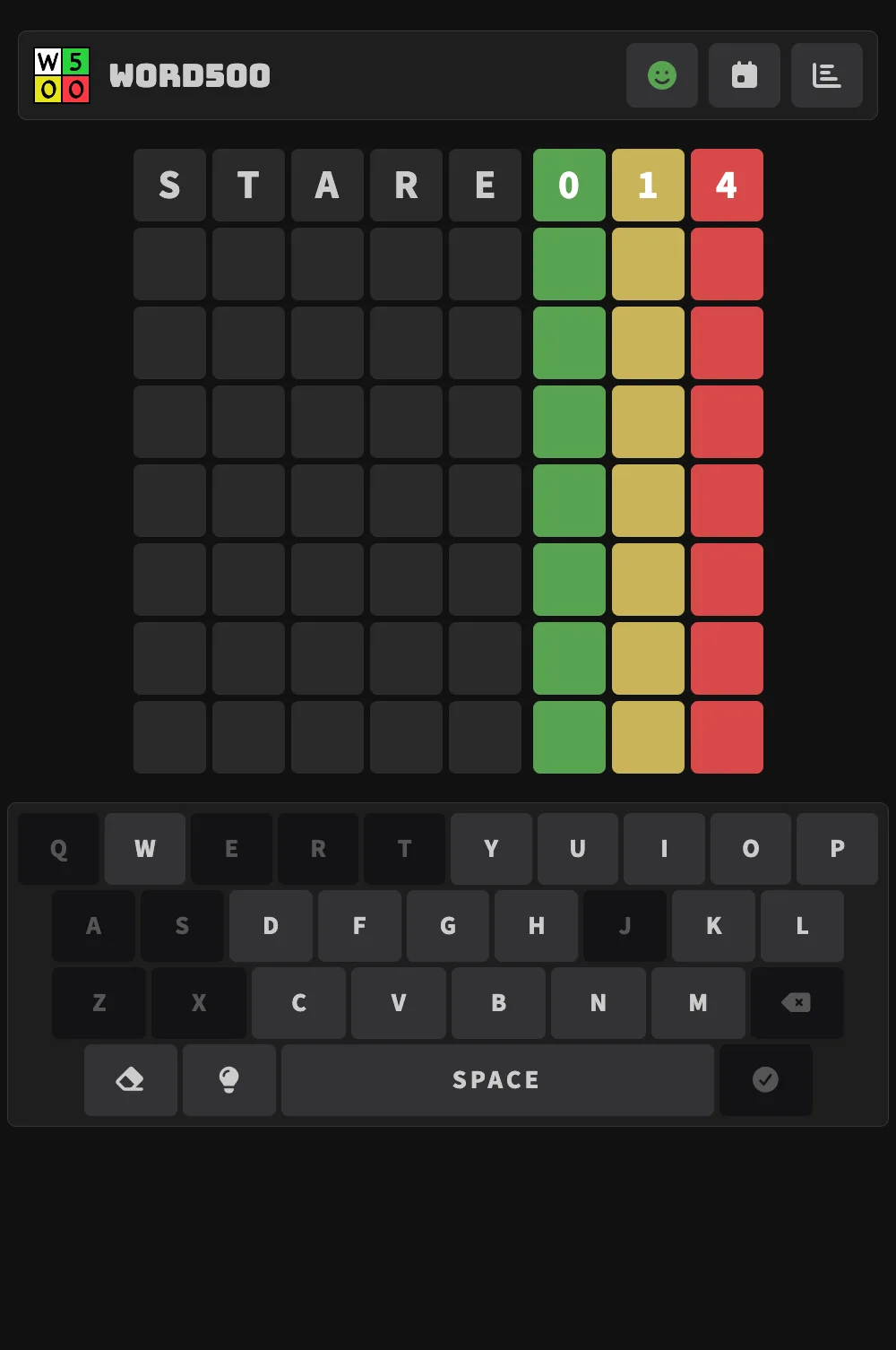
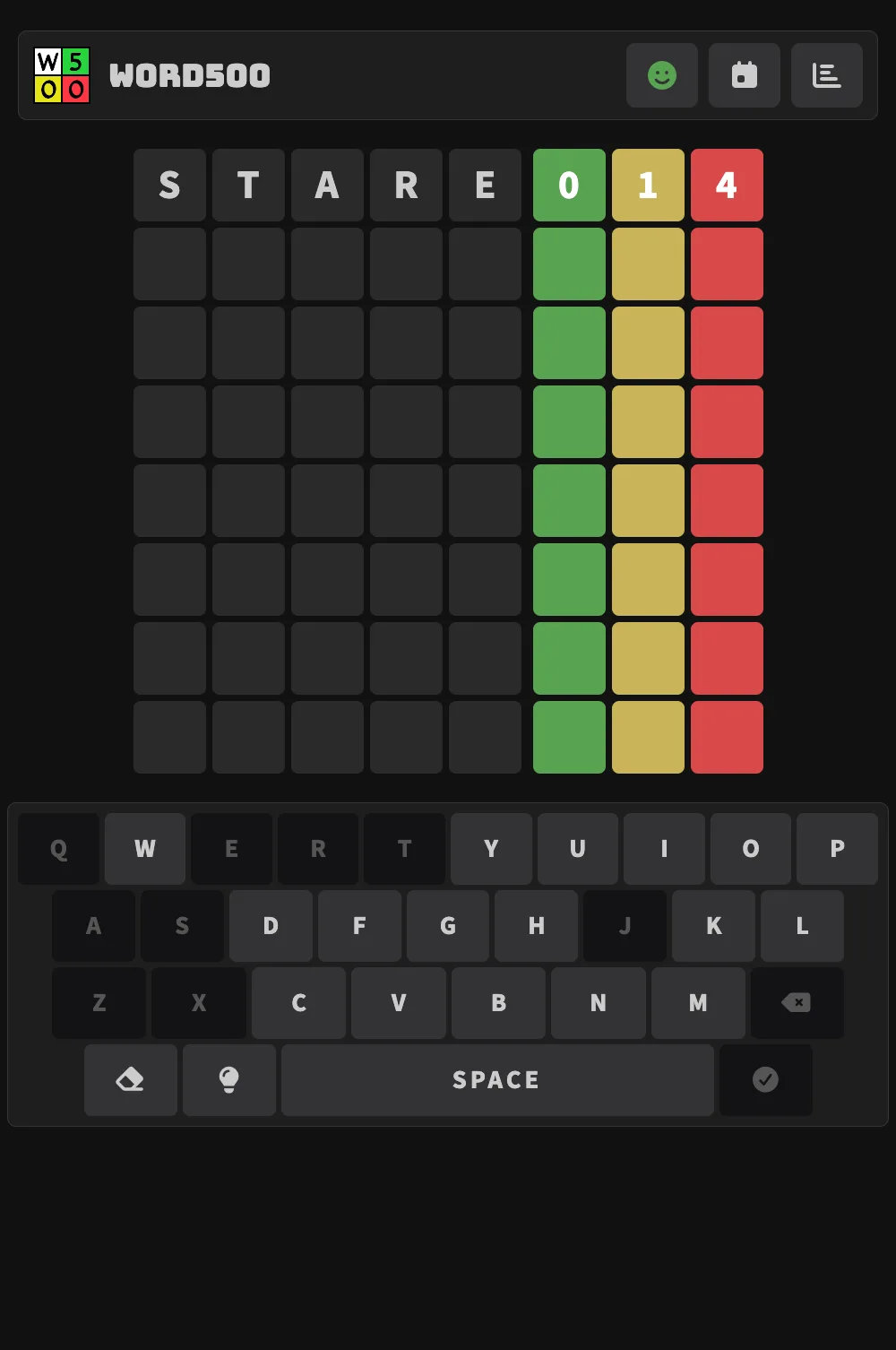
Word500 returns three numbers after a guess: how many letters are correctly placed, how many belong elsewhere, and how many are absent. It leaves the identity of those letters for you to work out. You have eight attempts to find the five-letter secret word.
A row with one yellow and four red, for example, tells you that exactly one letter belongs in the answer in another position. It does not tell you which letter. Comparing whole guesses is the central deduction, and the game lets you color the letters yourself to keep track of competing ideas.
Read the totals before coloring letters
The green count represents letters in their correct positions. Yellow counts letters present in a different position; red counts letters absent from the secret word. A solved row reaches 5–0–0, which gives Word500 its visible scoring pattern.
Our unaided Standard daily took seven of the eight guesses. Several early words produced the same totals, so no single row identified the useful letter. Later guesses changed which positions could still work. The final answer followed from combining those constraints, rather than reading a set of automatically highlighted tiles. We used no Hint or external solution during that round.
Clicking a letter tile cycles its manual color through red, yellow, green and back to none. These markings are notes, not confirmation from the game. If you mark a letter red too soon, the board can look more certain than your evidence really is. In a separate practice puzzle, we marked a tile and then used Clear: the game confirmed “Colors reset — letters unchanged.” The guesses and their numerical clues remained.
Draft a pattern without spending a guess
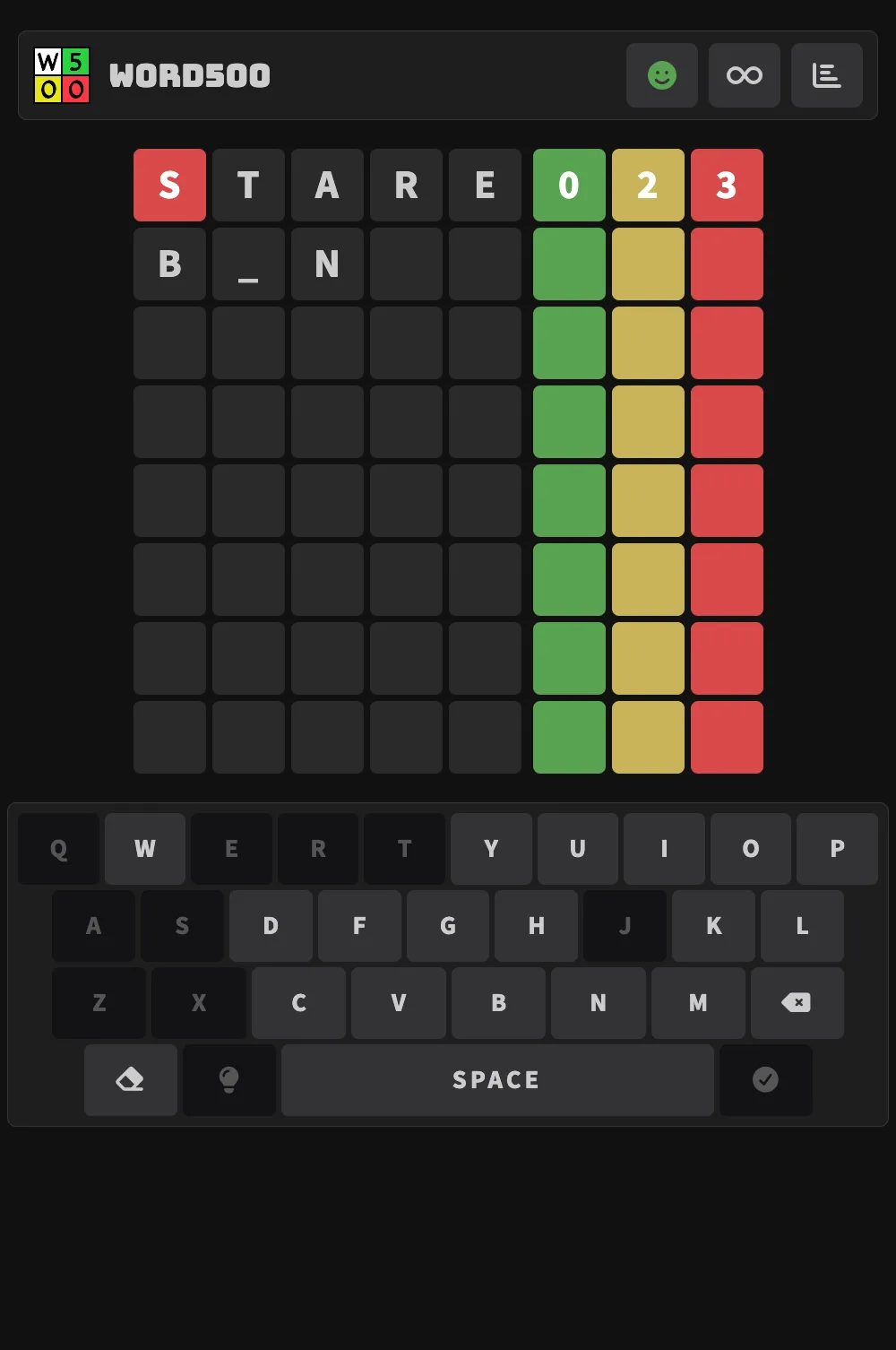
The Space key inserts an underscore placeholder. A physical keyboard's hyphen works too, according to the official help. We typed a partial pattern with a gap while planning the next word; entering that draft did not consume an attempt. Delete or replace the gaps before submitting a complete guess.
Hint has a different purpose: the help says it generates a word compatible with all previous clues, and it becomes available after at least one guess. We did not use it in the completed daily. Manual colors only record your thinking, whereas a generated compatible word would assist the deduction itself.
Difficulty changes the possible secret words
The tested Standard setting excludes repeated letters and the letters J, Q, X and Z from the secret word. Standard+ still excludes repeats; the Advanced selector describes its rule as “anything goes.” Apply the constraints of the selected difficulty rather than carrying a no-repeat assumption into every puzzle.
There is a new daily secret for each language and difficulty, as the official help explains. After finishing, we opened Practice and received a fresh board, so the daily limit did not end the session. The screenshot with manual notes comes from that separate practice puzzle; it is not a continuation of the completed daily. The green, yellow and red totals belong to their own board, while any colors you add remain your working hypotheses.
FAQ about Word500
Are the colored letters guaranteed to be correct?
No. Colors on letter tiles are manual notes you add by clicking. The three counts to the right of a submitted guess are the actual feedback. A manually colored letter can still be a mistaken deduction.
Will Clear erase my guesses?
No. In our practice test, Clear reset the manual colors and displayed “Colors reset — letters unchanged.” Submitted words and their feedback counts remained.
Can I use blanks while planning a word?
Yes. Space, or a physical keyboard’s hyphen, inserts an underscore placeholder. We used it in an unsubmitted draft without consuming a guess; complete the word before submitting.
What does Hint do?
The official help says it generates a word that fits all previous clues. You must submit at least one guess first. We did not use Hint in our completed daily round.
Player reviews
0 reviewsPlayed it? Share what you think and help the next player choose.
Your experience
Games like Word500
All word games →
Letter Tax
WordAnswer seven categories while permanently taxing letters out of later words, then weigh rescue help against leaderboard eligibility.

Decoys
WordChange one letter in every word to uncover a shared secret group. Decoys separates harmless typos from real-word slips and marks solves that use its single reveal.

sedecordle
WordSolve sixteen five-letter words with a shared stream of guesses and a 21-guess limit in the original Sedecordle mode.

Transfiguword
WordSolve three definition clues, bank their letters, then rearrange the full pool into two new answers and a mystery word.

Wordgy
WordJoin a chain of compound words and two-word phrases, with free direction changes and optional score-reducing help.

Wordsummit
WordTrace adjacent letters to find the highest-scoring word on a 5×5 board. Five attempts, tile multipliers and coloured feedback make each path a deduction.