
1 / 10
Videos · 4On this page
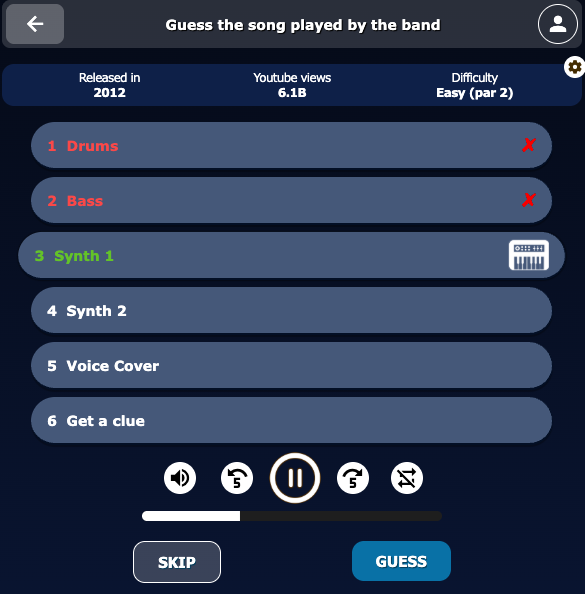
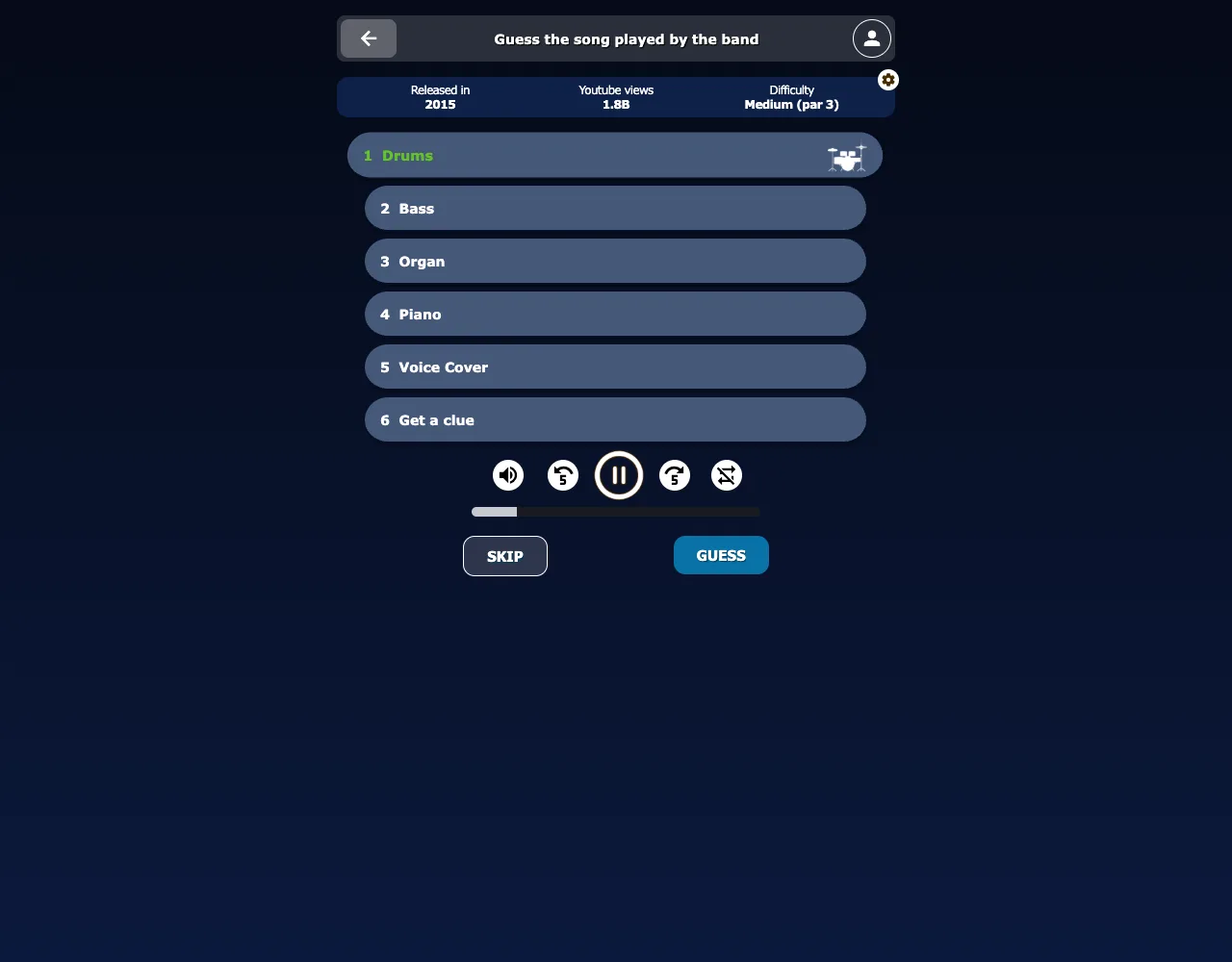
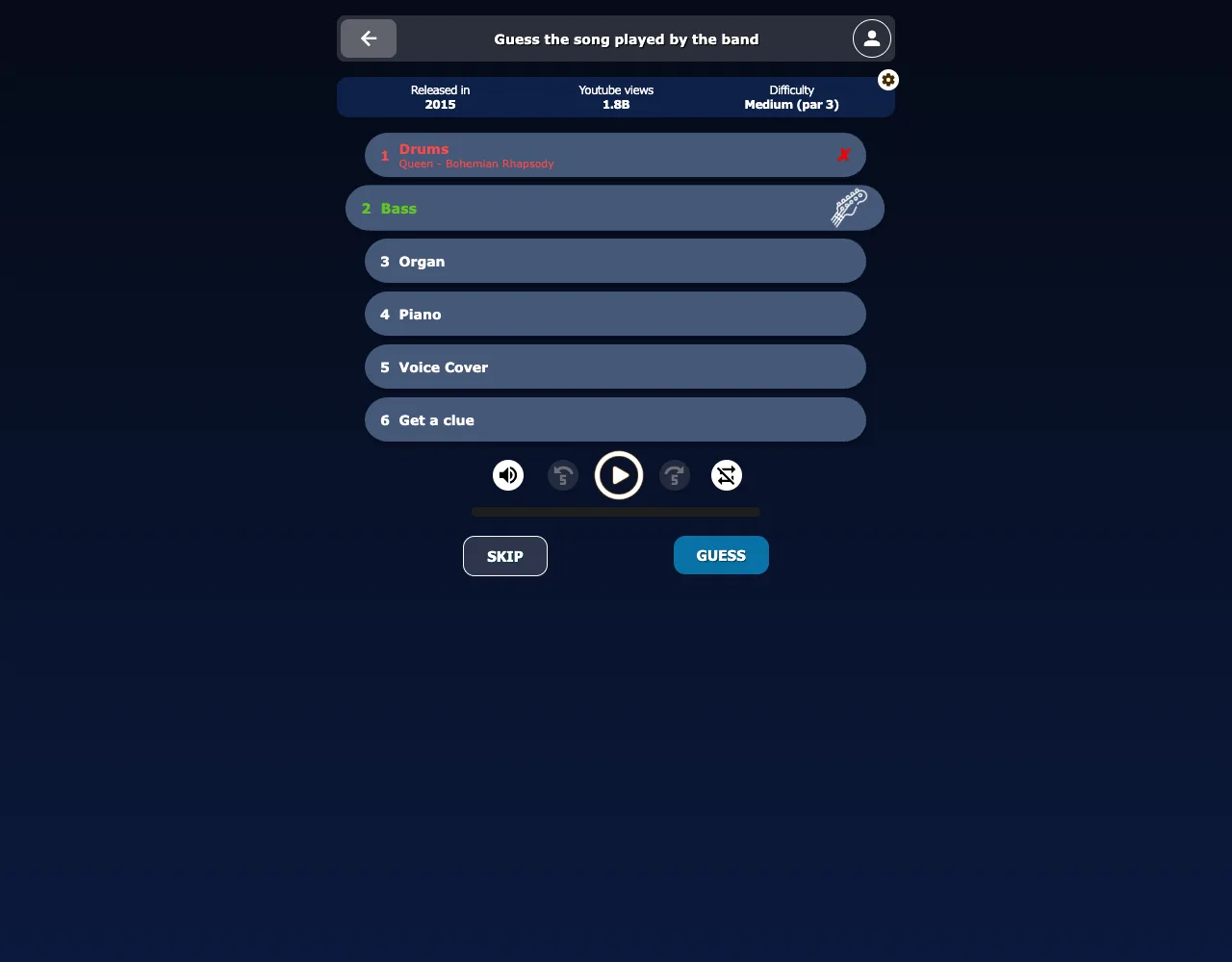
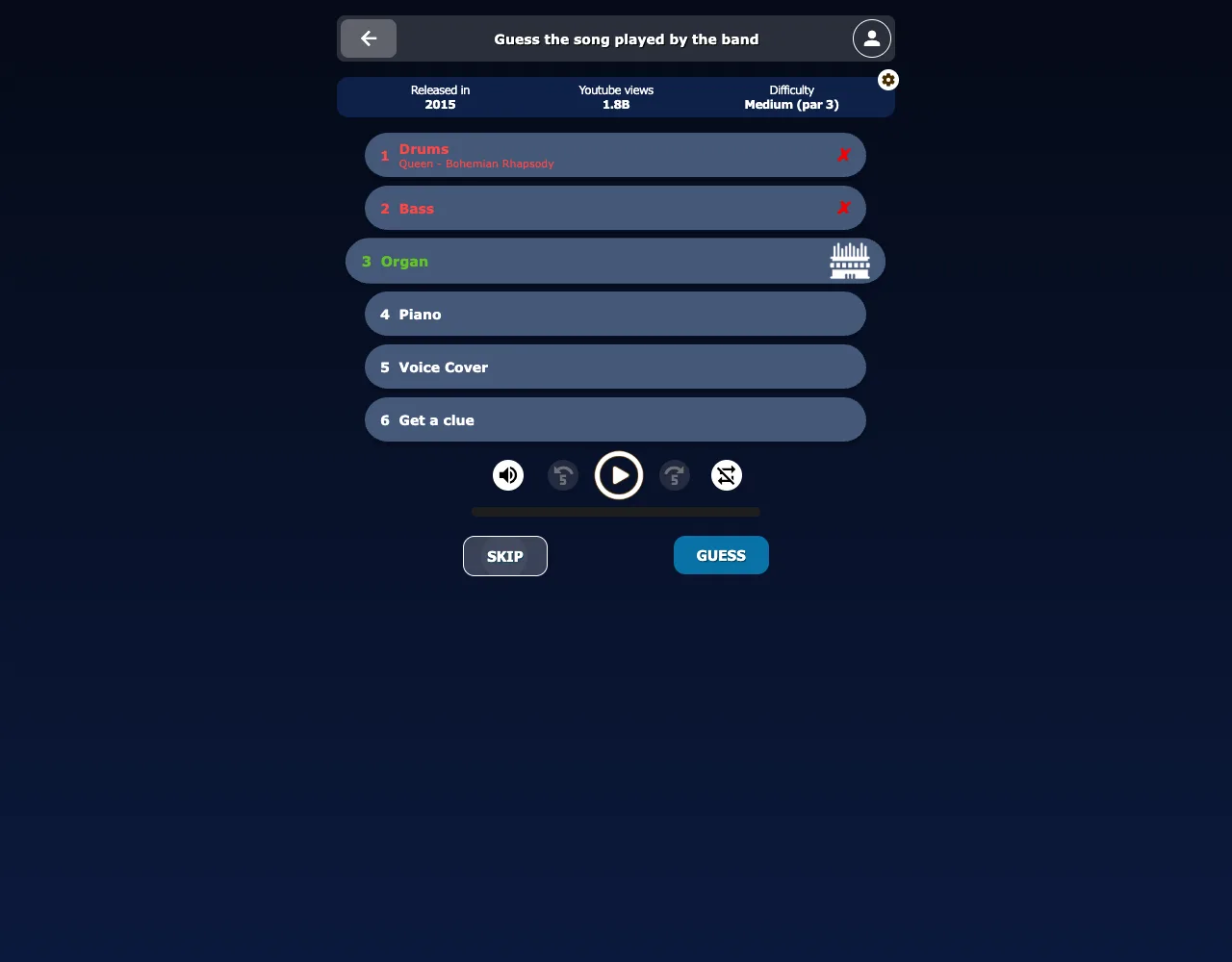
Bandle asks for a song title from an arrangement that gains instruments as the round progresses. The first step in our daily puzzle was Drums. An unsuccessful title guess opened Bass, and using Skip at that step advanced to Organ. The extra information comes with a spent step, so waiting for a fuller arrangement affects the result.
Guess the song, not the instrument
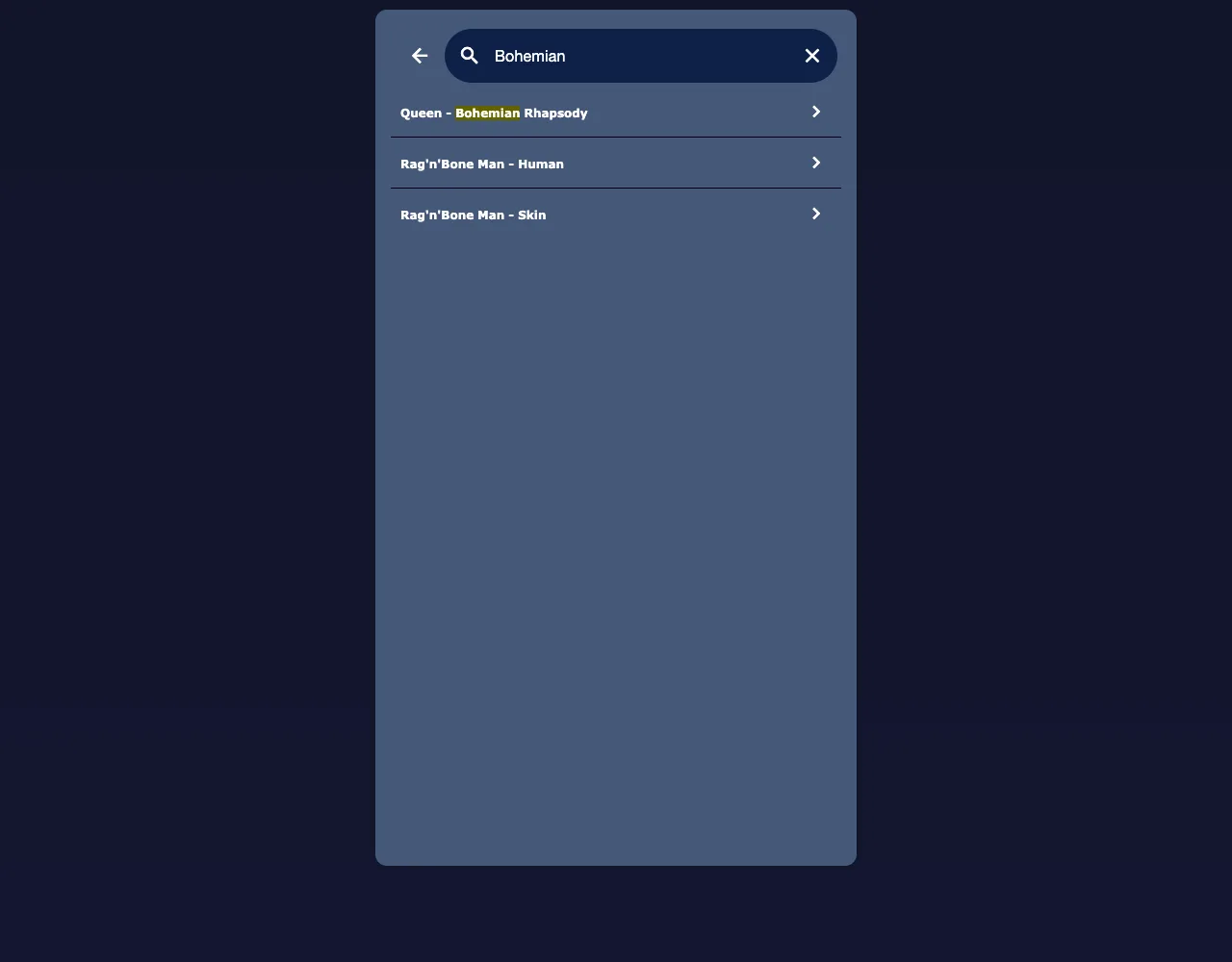
The instrument names label the clues. GUESS opens a search for an artist or song title, and the matching entry is what you submit. We searched for Bohemian, selected Queen – Bohemian Rhapsody, and received a red cross. That title was a wrong guess, not the day's solution. The board then highlighted the Bass step.
We next operated playback and chose SKIP. Bass acquired a cross and Organ became the active step. The later labels in this particular round were Piano, Voice Cover and Get a clue. Those are observations from one puzzle, not a promise that every song uses exactly the same instruments.
Playback controls and progress were visible during the test, but we did not independently audition the audio. This check therefore verifies search, rejection and step progression. It does not establish how recognizable the recreated parts sound or how their balance compares with the original recording. We left the song unsolved.
More layers can change what you recognize
The developer's Google Play description describes starting with drums and adding bass and other instruments while identifying a song. That agrees with the progression observed on the web board. The app listing is useful confirmation of the central mechanic; it is not evidence that every app feature is available in the browser.
A player discussion about listening describes difficulties recognizing recreated parts and suggests concentrating on the bass. That is listening advice from players. It can be an approach to try, but our interface test did not verify its effectiveness or support a claim that one instrument is always the easiest clue.
Before guessing, check both the artist and title in the result list. A familiar fragment of a name can produce other entries, and choosing the wrong recording spends the opportunity to move forward with the current clues.
Daily play and the menu
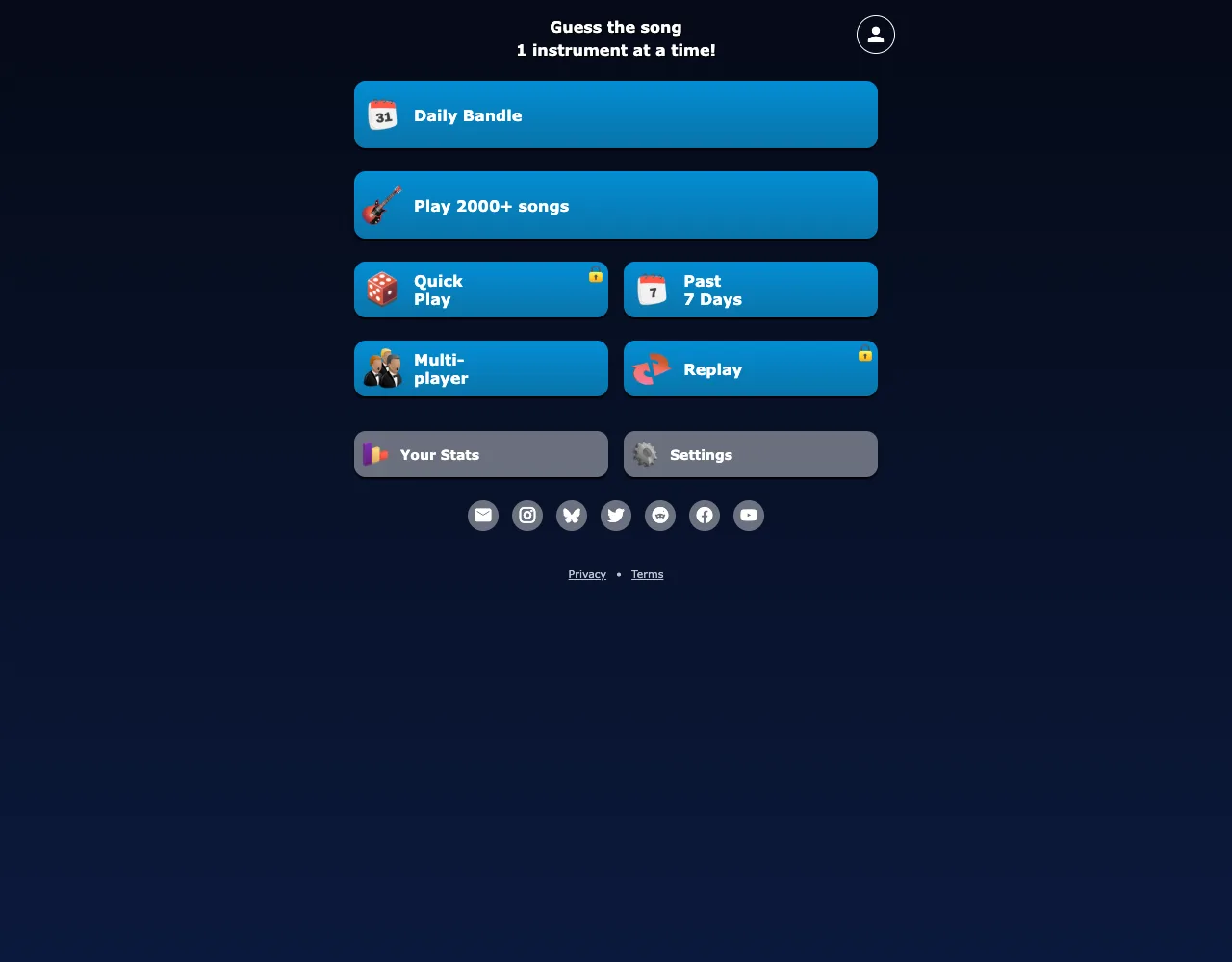
The web menu exposed Daily Bandle, Past 7 Days, Multiplayer and additional play options. Some entries displayed locks. We did not purchase access or test multiplayer, so the menu screenshot should not be read as a claim that every listed mode is freely available.
Our sequence stopped at Organ. The history retained the wrong song title and the skipped Bass step separately, while both actions had moved the arrangement forward. A replay of the current clue is worth considering before either kind of commitment.
FAQ about Bandle
Do I guess the instrument or the song?
Guess the song. GUESS opened an artist/title search, and a selected song entry was submitted. Instrument names identify the clues.
What happened when Skip was used?
In our test, skipping Bass marked that step with a cross and made Organ active. It moved the round forward rather than adding another free try.
Is every menu option free to use?
That was not established. Some web menu entries displayed locks, and we did not purchase access or test the locked modes.
Player reviews
0 reviewsPlayed it? Share what you think and help the next player choose.
Your experience
Games like Bandle
All music games →
Songless
MusicSongless starts with a 0.1-second music clue and expands it after a wrong guess; category tabs offer different song pools.

Swiftle
MusicGuess a Taylor Swift song from a short clip, with six attempts and a longer sample after each guess.

Heardle 2000's
MusicIdentify a 2000s song with six attempts, a searchable song list and longer clips after skips or mistakes.

Heardle 1990's
MusicGuess a 1990s song from a short clip; choose a suggested recording or skip to reveal more audio.

Heardle 1980's
MusicIdentify a song from the 1980s No. 1s selection using short clips and suggested recordings.

Heardle 1970's
MusicGuess a 1970s song from a short clip; choose a suggested recording or skip to reveal more audio.